SquatQuest player guide
How to play your first SquatQuest battle on iPhone
A squat in SquatQuest is an attack. Set your iPhone upright, step into the camera view, and follow the setup prompts before taking on the opponent shown on your fight card.
What happens after installation?
The opening screens introduce Kicks and let you review the available subscription plans. Gameplay requires access. If setup opens while you're on the train or at a desk, you can leave the movement portion for a time when you have room. Your first session goes more smoothly if the phone can stay put from the instructions through the fight.
Play one round
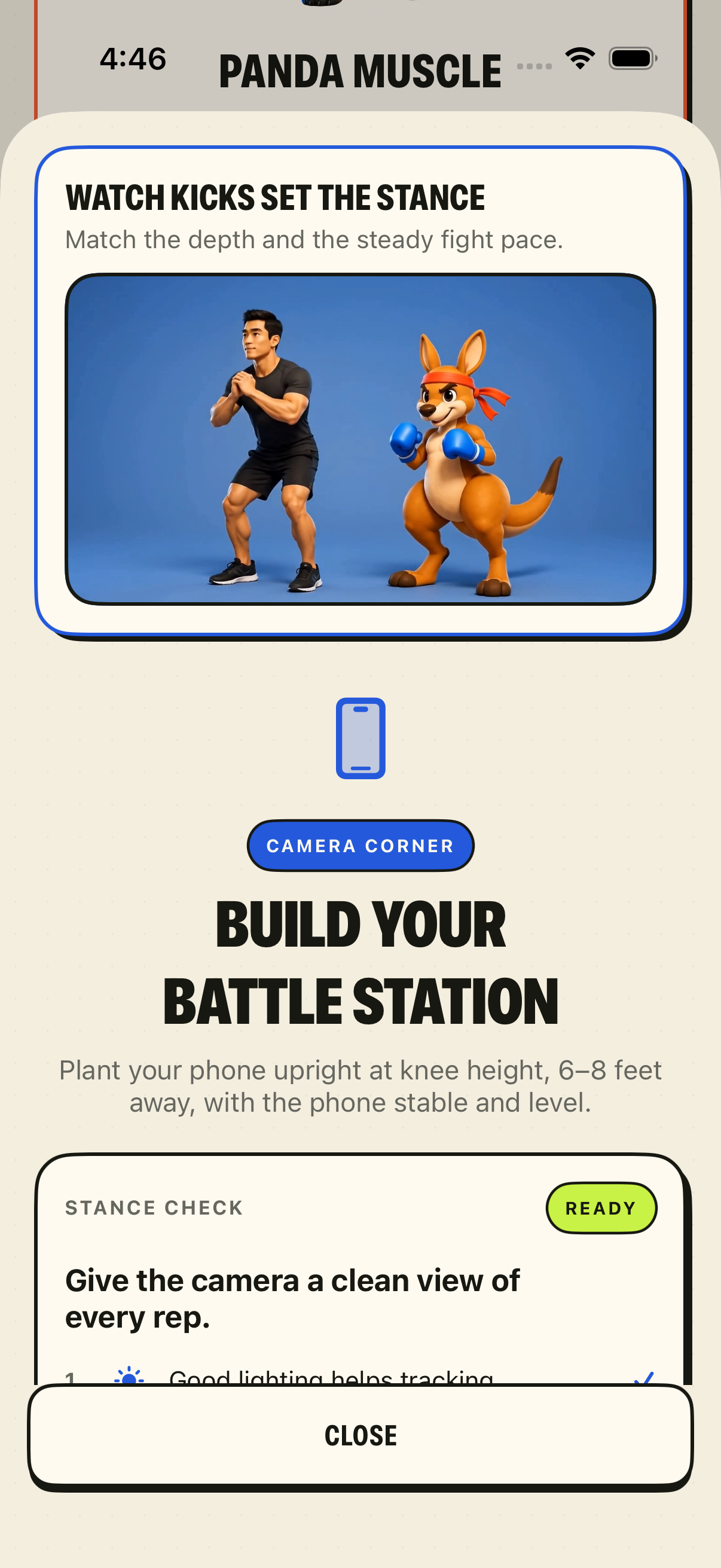
Prop the iPhone near knee height. Turn side-on about six to eight feet away and check that both the top of your head and your feet fit. Choose the standard range or follow the personal range check. Wait for the countdown, stand tall, lower comfortably and return to standing. Watch the boss meter change after a counted repetition.
If you opened the tutorial, Slowpoke Snail has five hit points. The home campaign opens with a different rival, Koala Consigliere, at 20 HP. Check the opponent name to tell which encounter you launched. A locked card on the home screen previews someone you'll meet later.
Sources
Get SquatQuest for iPhone
Find Kicks and the Sloth Syndicate in SquatQuest: Workout Game by Wave Tech LLC.
iOS 17 or later. Gameplay requires a subscription.

General educational information only. This article is not medical advice. Exercise within your ability and stop if you feel pain or feel unwell.